MONITORING YOUR GE CO-OP FUNDS
Most dealers are aware of the unique guidelines and processes for obtaining GE’s Co-op Funds. As part of our concierge services for clients, our team will handle all pre-approvals and report documentation for your GE Funded Advertising Campaigns. (We do not submit your claims for payment, but we will provide you with the reports GE requires so you can easily submit them through your portal).
To ensure that your GE Campaign spending aligns with GE’s filing and payment deadlines, we may ask for periodic updates on where you stand with your accruals and claims to date. Below are instructions on how to pull the following reports from your GE Portal:
1- Claims Report
2- Digital Accruals
3- Non-Digital Accruals
CLAIMS REPORT
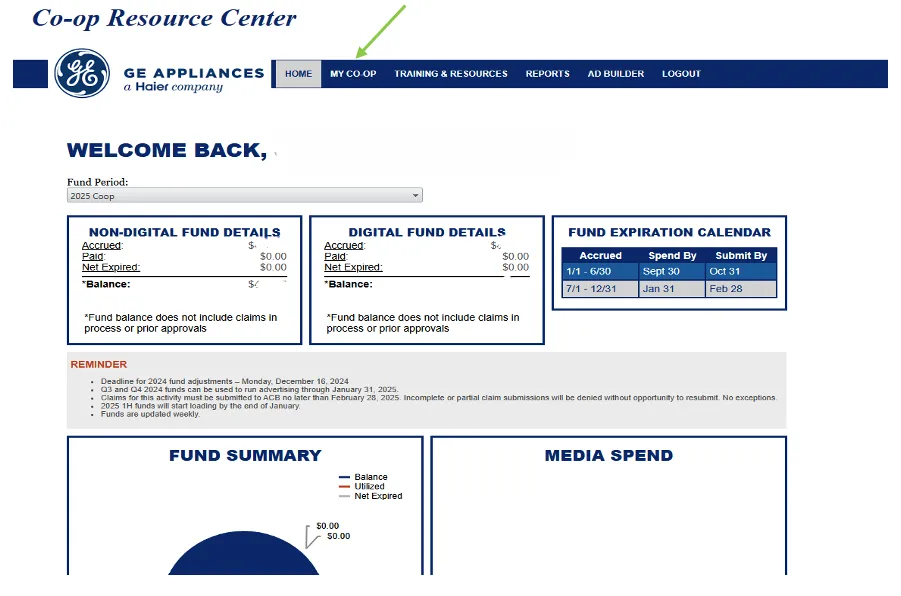
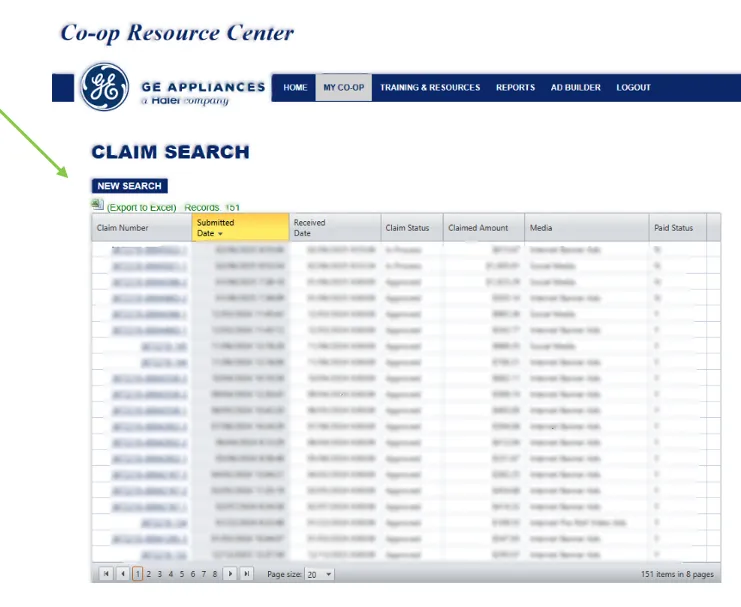
On the GE Co-op Resource Center Homepage, select MY CO-OP from the top navigation bar, and then select Claim Search.
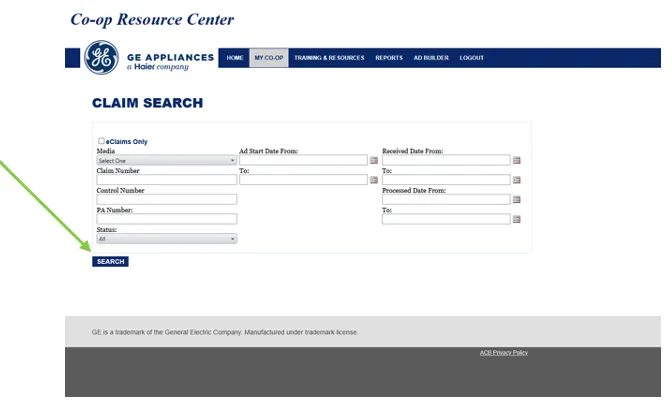
On the Claim Search Screen, LEAVE ALL FIELDS BLANK and select Search.
Once the search results populate, select (Export to Excel). This will generate an Excel file that includes all claim information.
ACCRUED DIGITAL AND NON-DIGITAL FUNDS REPORTS
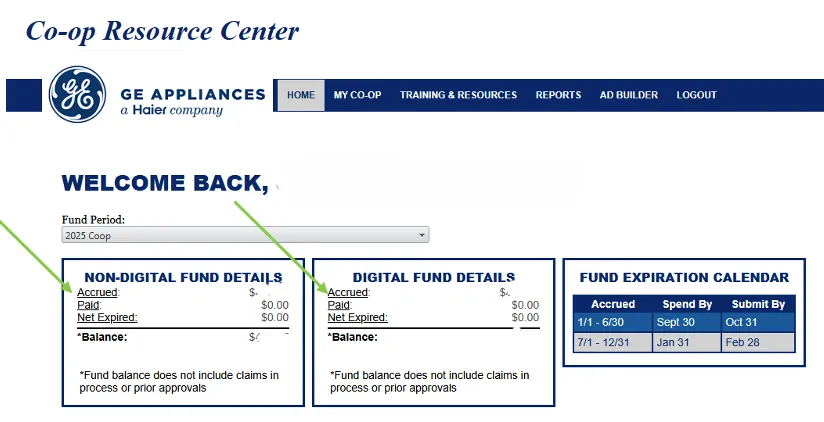
From the Co-op Resource Center Homepage, select Accrued under either Digital Fund Details or Non-Digital Fund Details, depending on which report you need.
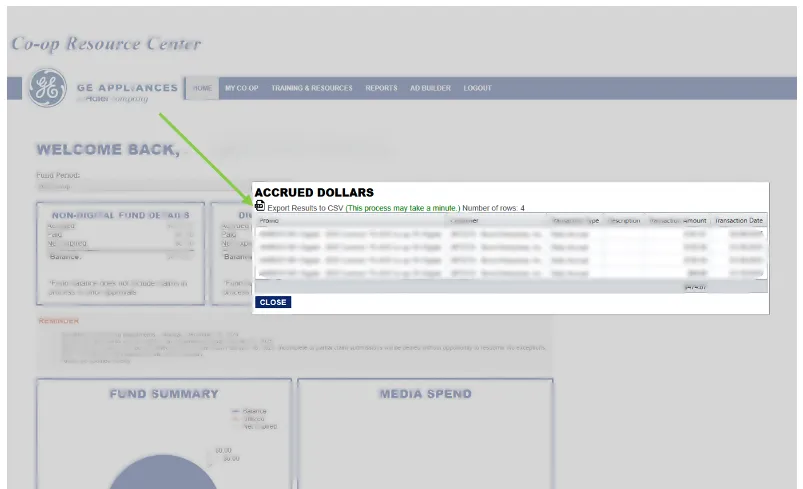
Select the CSV icon to Export Results to CSV.