
GRANT ACCESS TO YOUR META BUSINESS ACCOUNT
Many of our digital accounts use our primary business name Riley & You. You may be asked to grant access to either Riley & You or AffluentBridge™, depending on the platform. The following processes will allow us the access necessary to run Facebook and Instagram advertisements for your business.
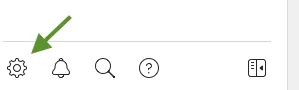
Go to Facebook Business Suite. Click the Settings icon (gear) on the bottom left of Business Manager.
Select People and choose Add people to the right of the top search bar.

Enter [email protected] in the Enter email address box and choose Next.
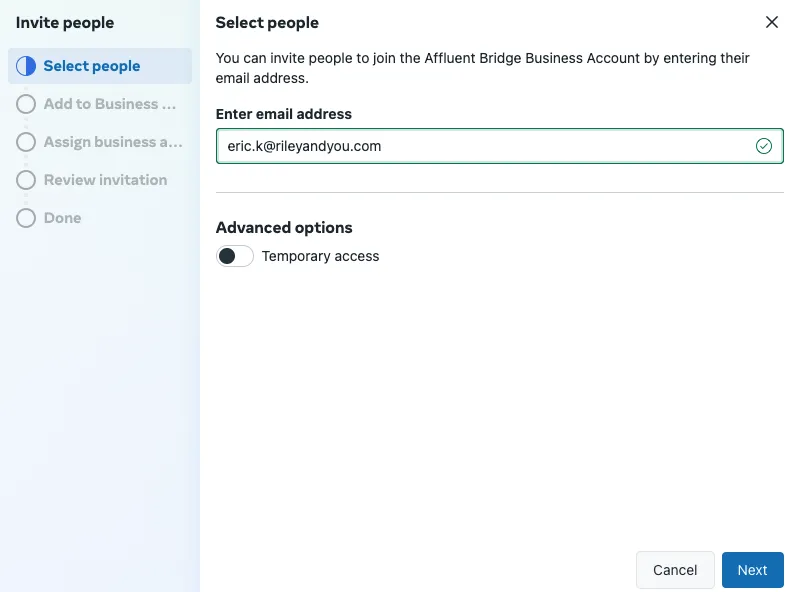
Leave settings on next page as is (Default) and choose Next.
Under Assign Business Assets, click the dropdown and select the Facebook AND Instagram pages you would like us to have access to.
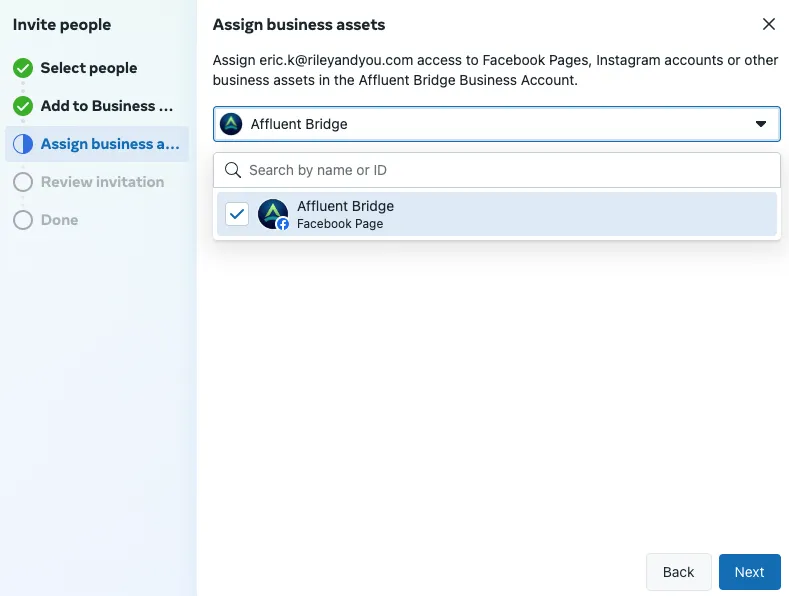
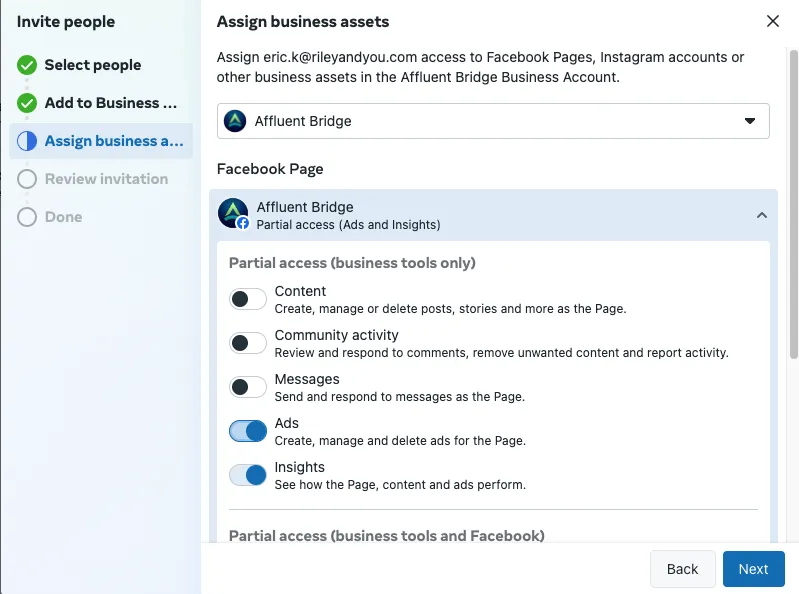
Select the Page to expand the dropdown menu and choose the boxes for Ads and Insights. Select Next.
Review the invitation and click Send Request.