GRANT VIEWER ACCESS TO A GOOGLE ANALYTICS ACCOUNT
Many of our digital accounts use our primary business name Riley & You. You may be asked to grant access to either Riley & You or AffluentBridge™, depending on the platform.
If you don’t have GA4 set up for your website, you’ll find instructions HERE for utilizing the set-up wizard. If you have any questions, please let us know.
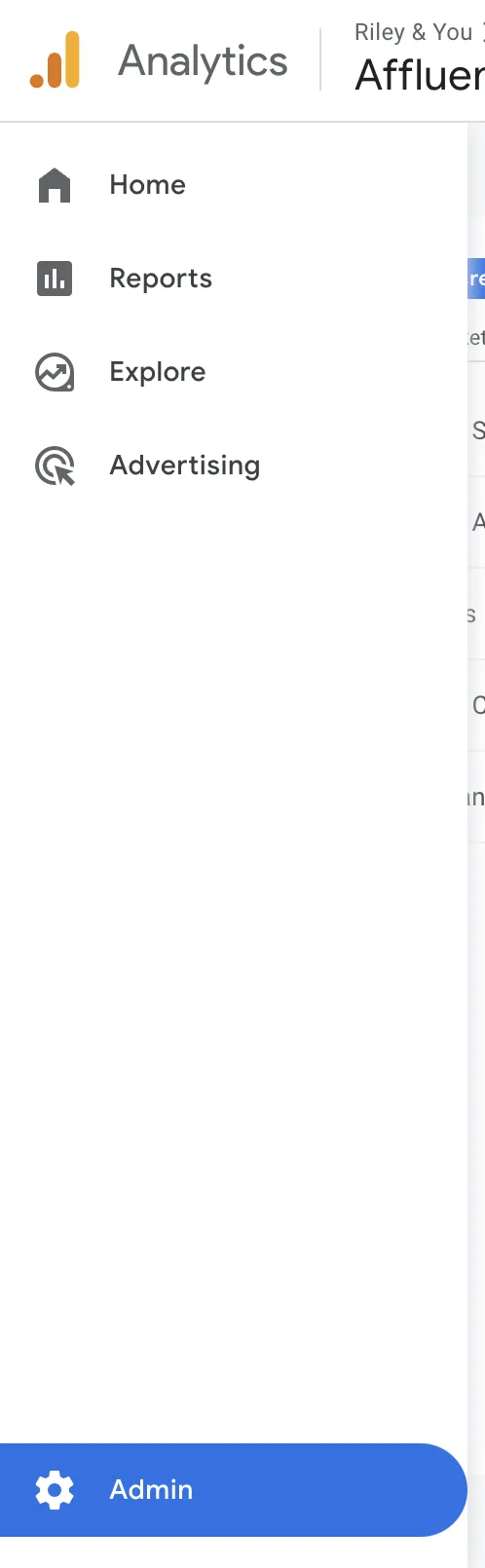
In your Google Analytics 4 account, select ADMIN from the left menu.
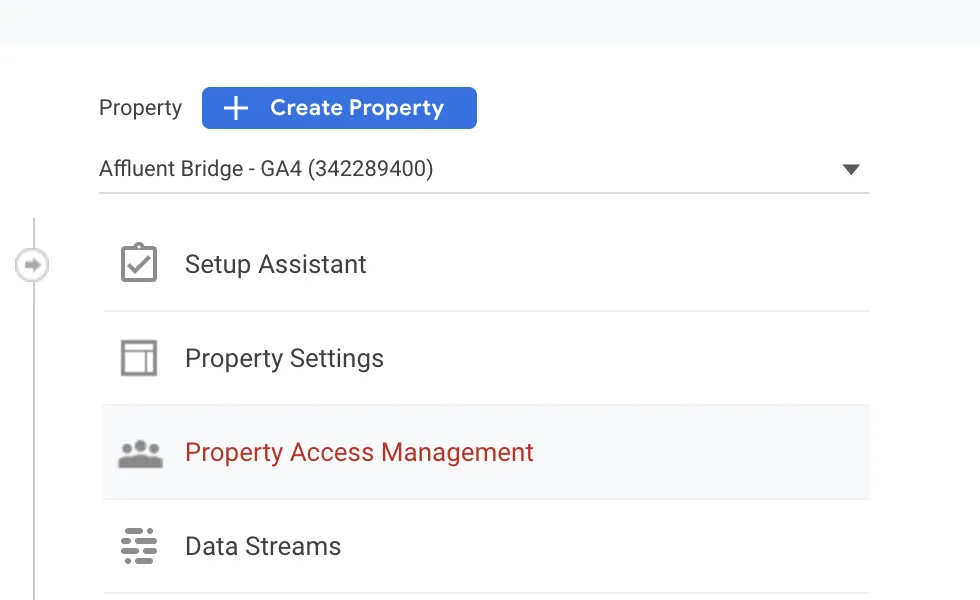
Select Property Access Management under PROPERTY (Make sure if you have multiple properties, that the correct GA4 property is selected from the dropdown).
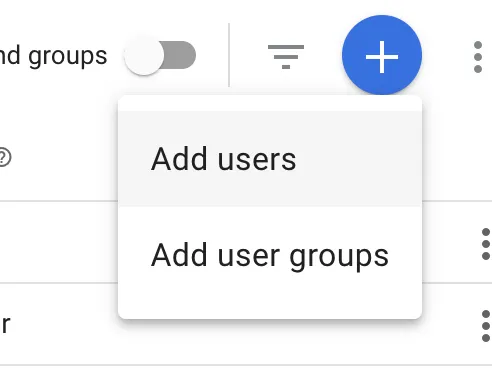
Click the + button (top right).

Select Add users.
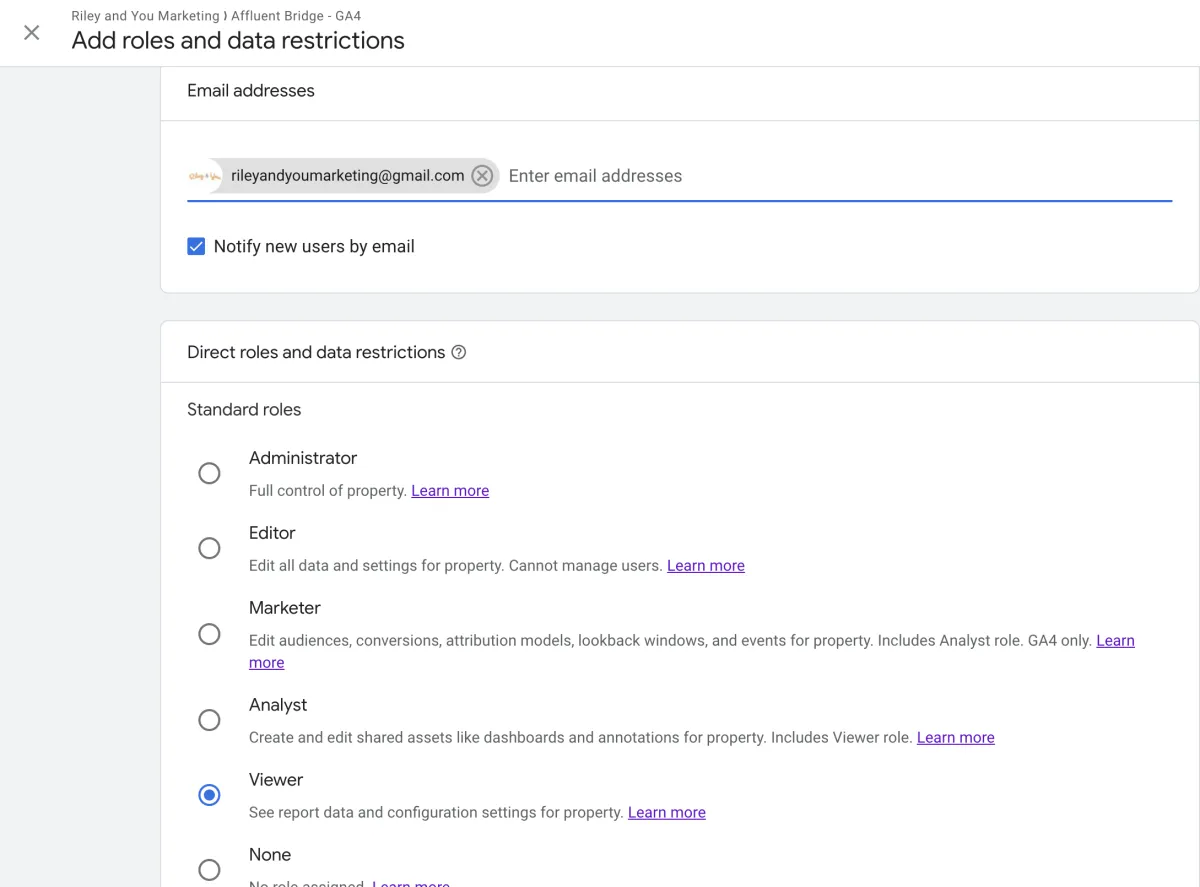
Add [email protected] with VIEWER access (checked below).